Press Space in Finder and read it rendered.
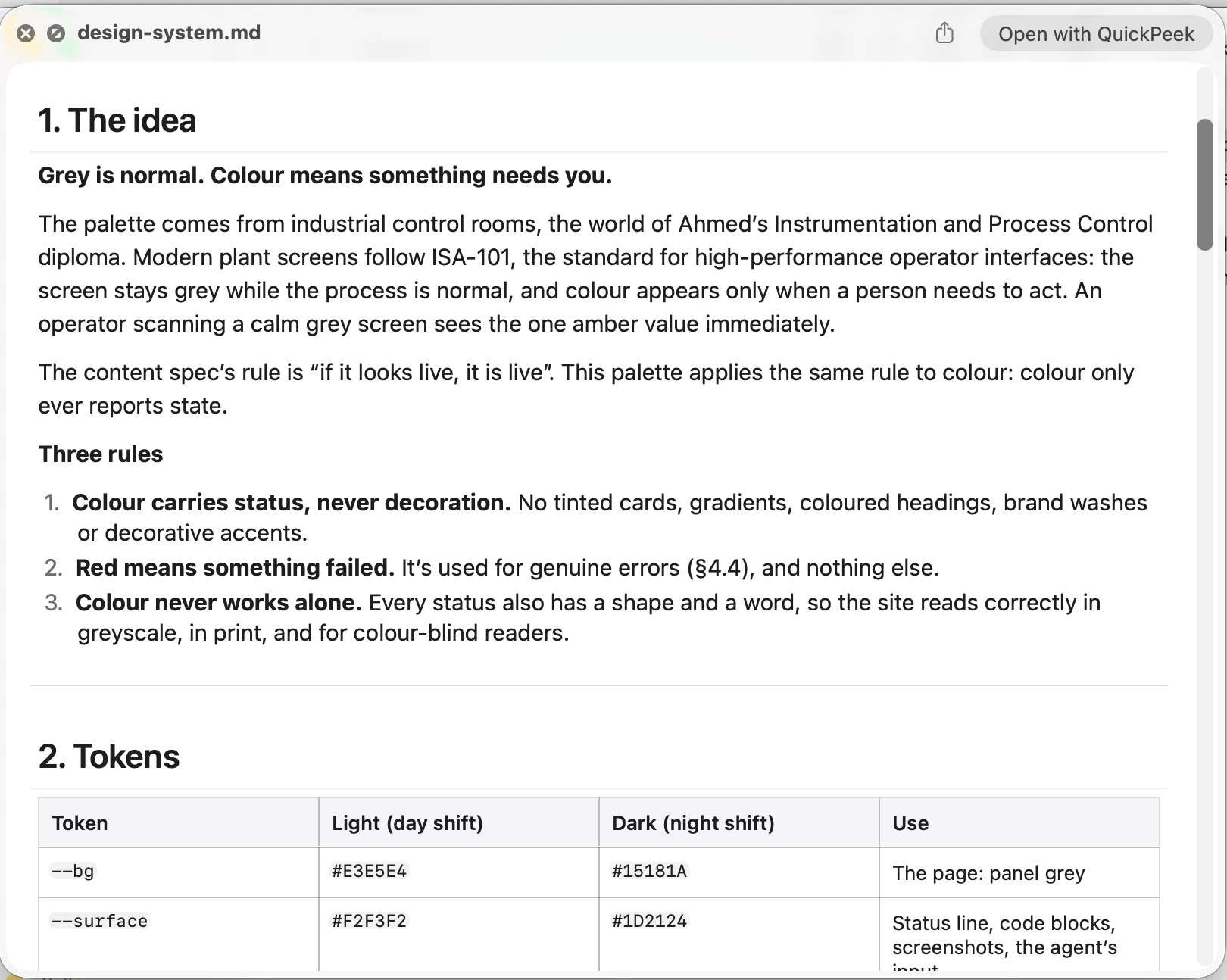
QuickPeek renders Markdown, JSON, YAML, CSV and Mermaid on a Mac, in Quick Look and in its own window.
Why it exists
I wanted something lightweight: press Space on a file in Downloads or Documents, skim it, and only then open it properly. I couldn't find a free app that did that, so I built one.
What it does
- Markdown: a clean reader with tables, task lists and an outline.
- JSON, JSON Lines, YAML: tree, code and raw views.
- CSV and TSV: a real spreadsheet view with sticky headers, column types, sorting and a schema sidebar.
- Mermaid: diagrams rendered in place, with zoom and pan, including inside Markdown.
- Quick Look: the Space bar in Finder, Mail, Messages and AirDrop.
- Pro, a one-time purchase: edit every format, including split-view Markdown with synced scrolling, and save in place.
-
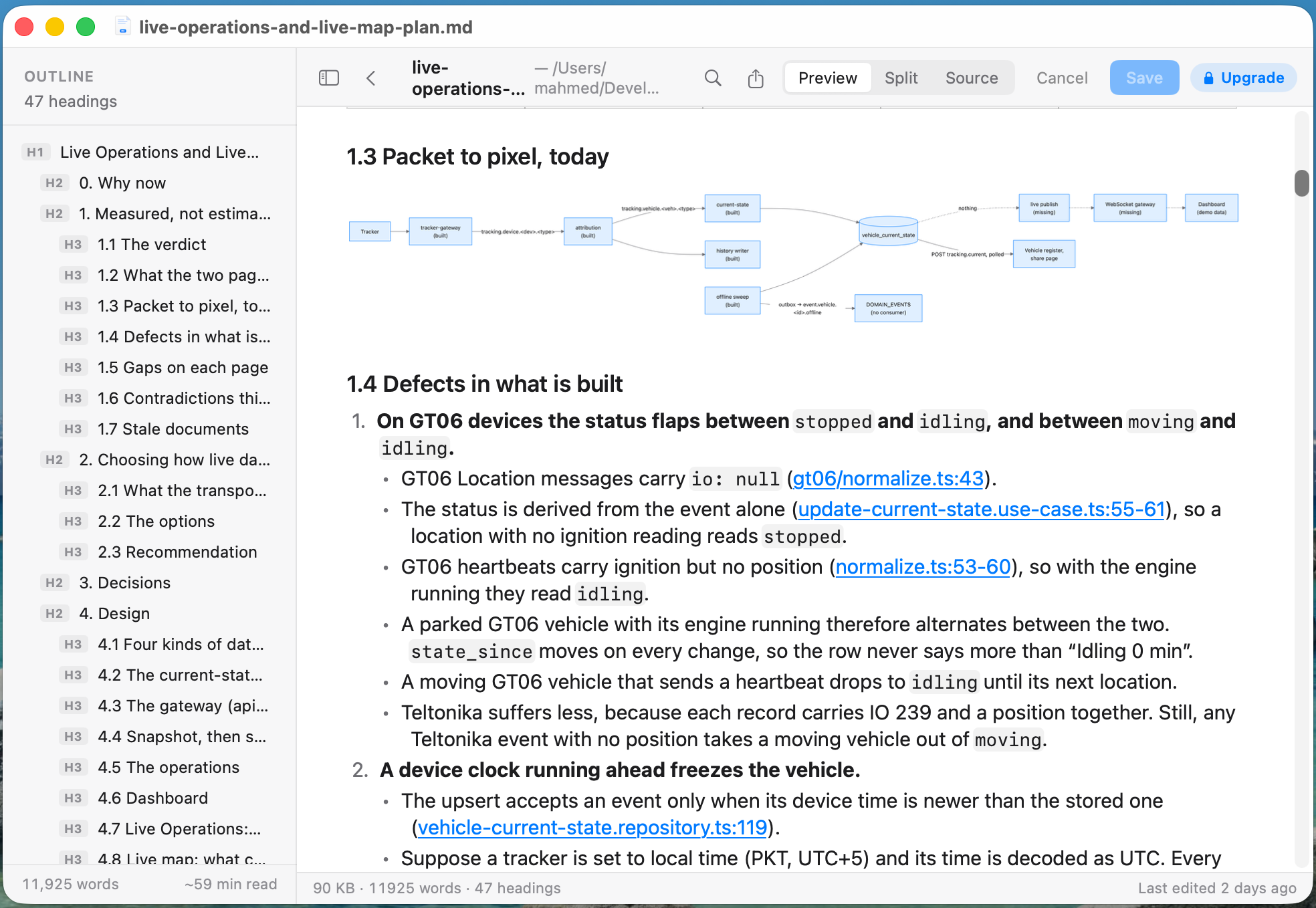
Markdown, with its outline and a Mermaid diagram rendered in place. -
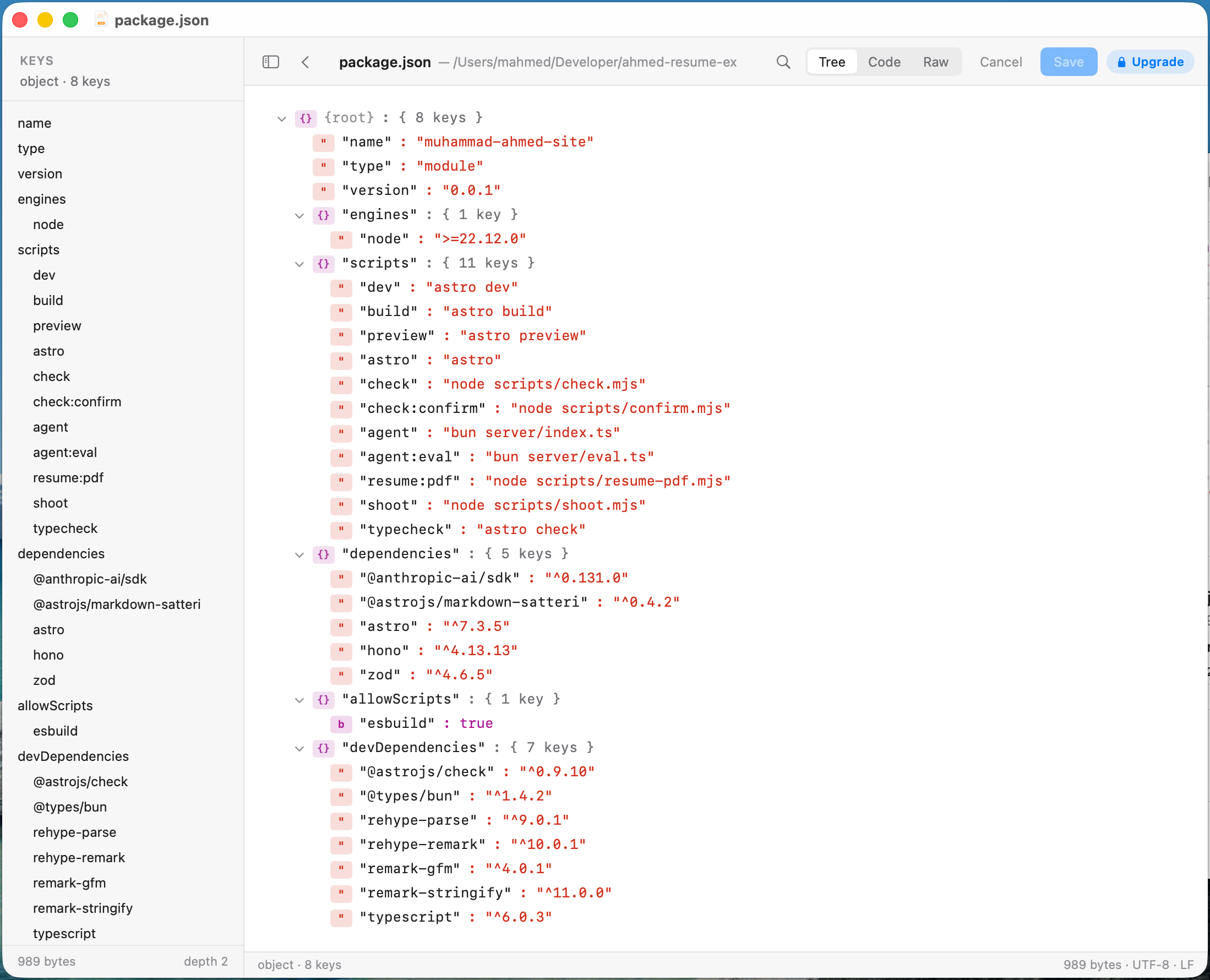
JSON in the tree view, with every key in the sidebar. -
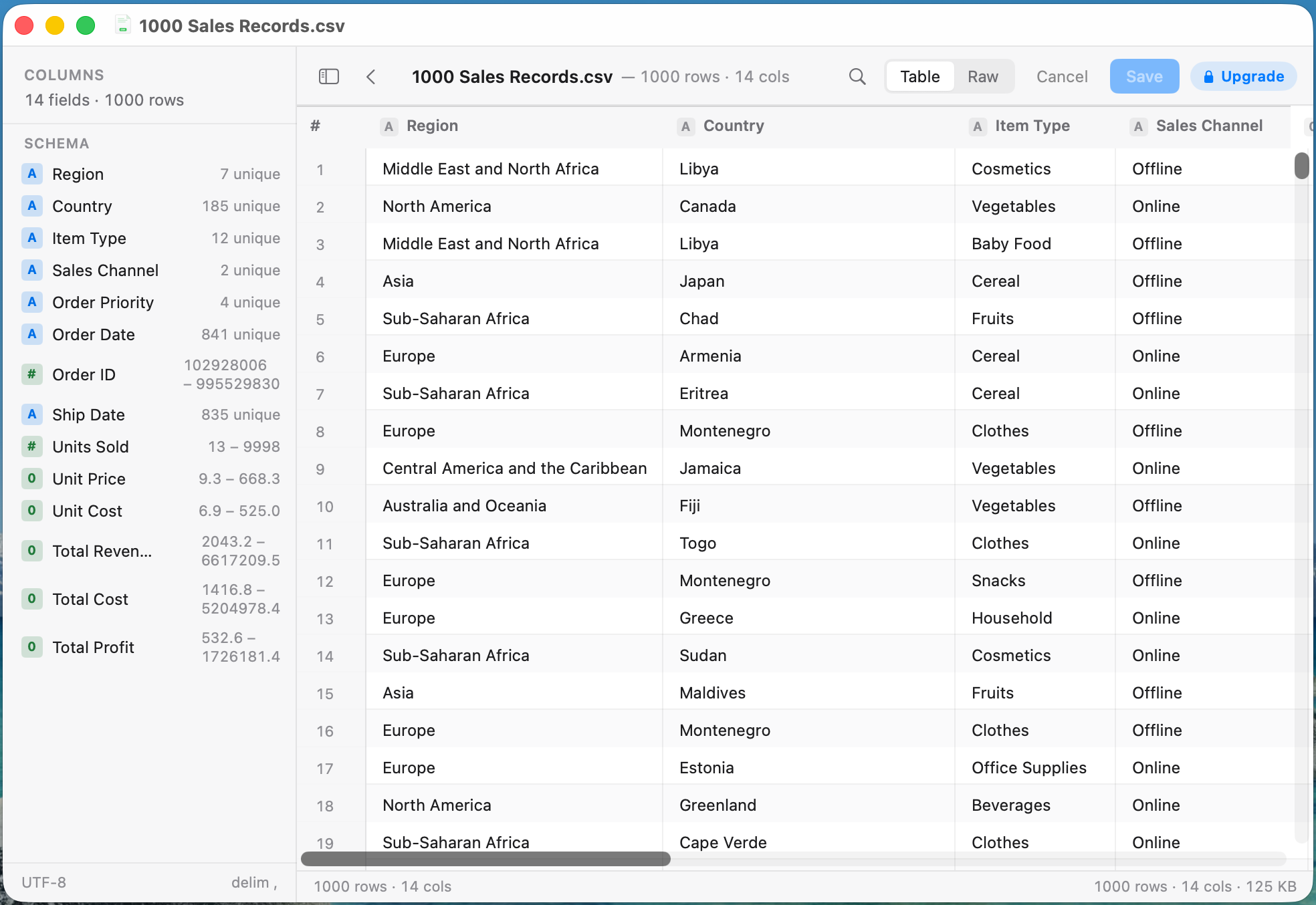
CSV in the spreadsheet view, with column types and the schema sidebar.
How fast is fast?
A 60 KB Markdown file of 524 blocks: parsed in 6 milliseconds, laid out in 6.5.
- Native all the way down. SwiftUI and AppKit, with one open-source dependency.
- Hand-written parsers where it matters. Markdown goes through Apple's swift-markdown. JSON is read byte by byte, keeping key order, duplicate keys and the exact text of every number. YAML is tuned for real Kubernetes, Compose and CI files. CSV sniffs its own delimiter.
- A code highlighter with no regular expressions, for about 18 languages at roughly five microseconds a line.
- A custom text layout engine that paints code blocks, quotes and inline chips natively, so selection, find and scroll sync stay native.
- Mermaid without the lag. Diagrams render off-screen, are cached, and get swapped into the text in place, so find and scroll positions never break.
- One renderer for the app and Quick Look. The duplicate that had drifted was deleted.
Decisions
Why not just use a web view? #
A web view would have rendered Markdown on day one. Going native meant owning a layout engine and a set of parsers, and building every Markdown feature by hand. For a reader that has to feel like a Mac app, that was the right trade.
Why write your own JSON parser? #
Because no single library keeps key order, duplicate keys and the exact text of every number. A viewer that silently reorders your keys is lying about your file.
Privacy
No analytics. No telemetry. No third-party SDKs. The only network call is the App Store checking your purchase.
The numbers
- About 13,000 lines of Swift, across 62 commits.
- One open-source dependency.